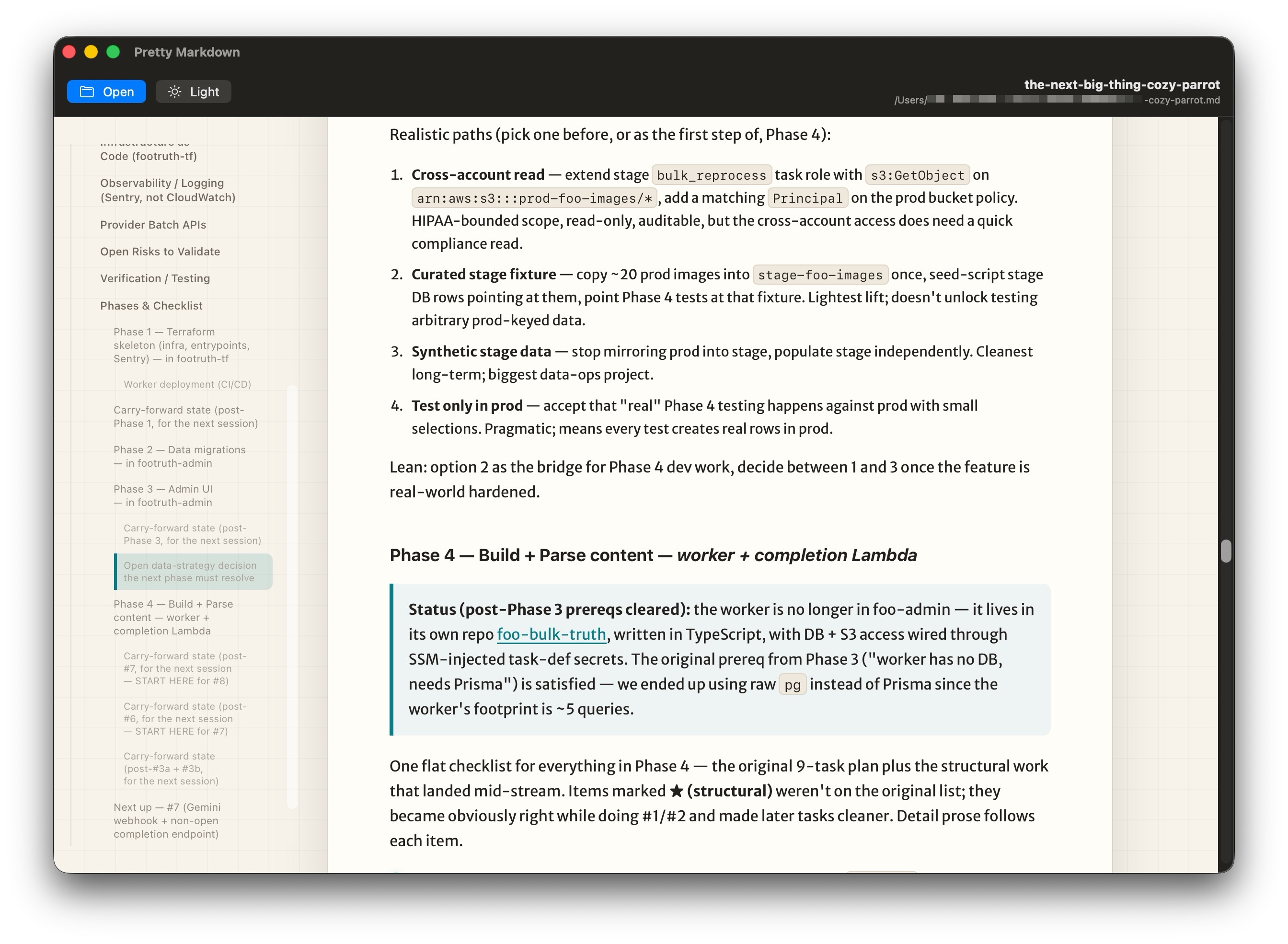
Introduction
This was one of my more distracted projects. Markdown has become so popular in the last few years. I don’t mind markdown, I’m writing it right now actually. But I needed to build my own.
But it’s not super pretty to look at.
One of the super powers of markdown is that you can render it into a much better looking design. Typically, as a programmer you would use a VSCode plugin to do this. But to be honest, that’s pretty lackluster.
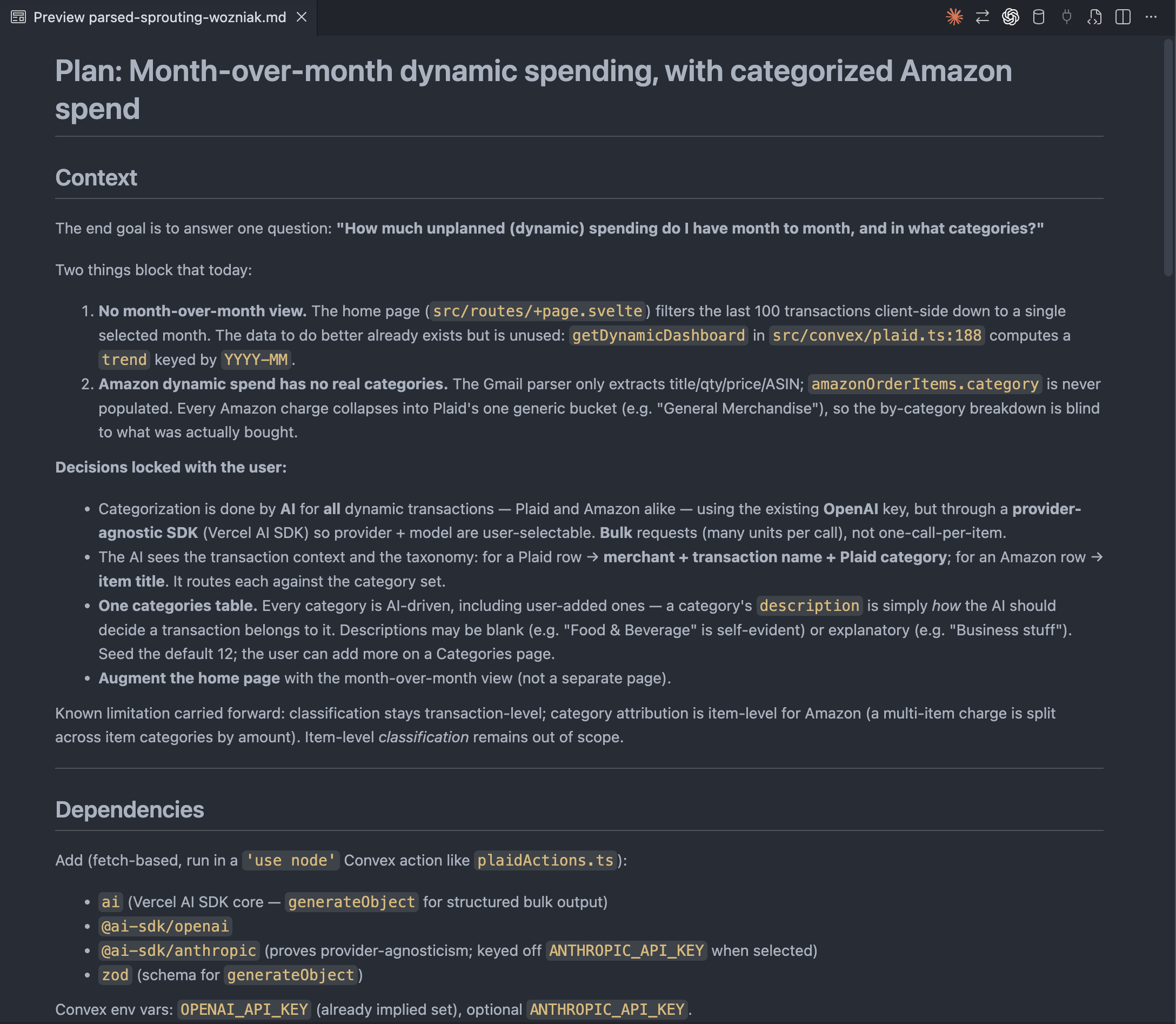
So that leaves us looking for alternative options.
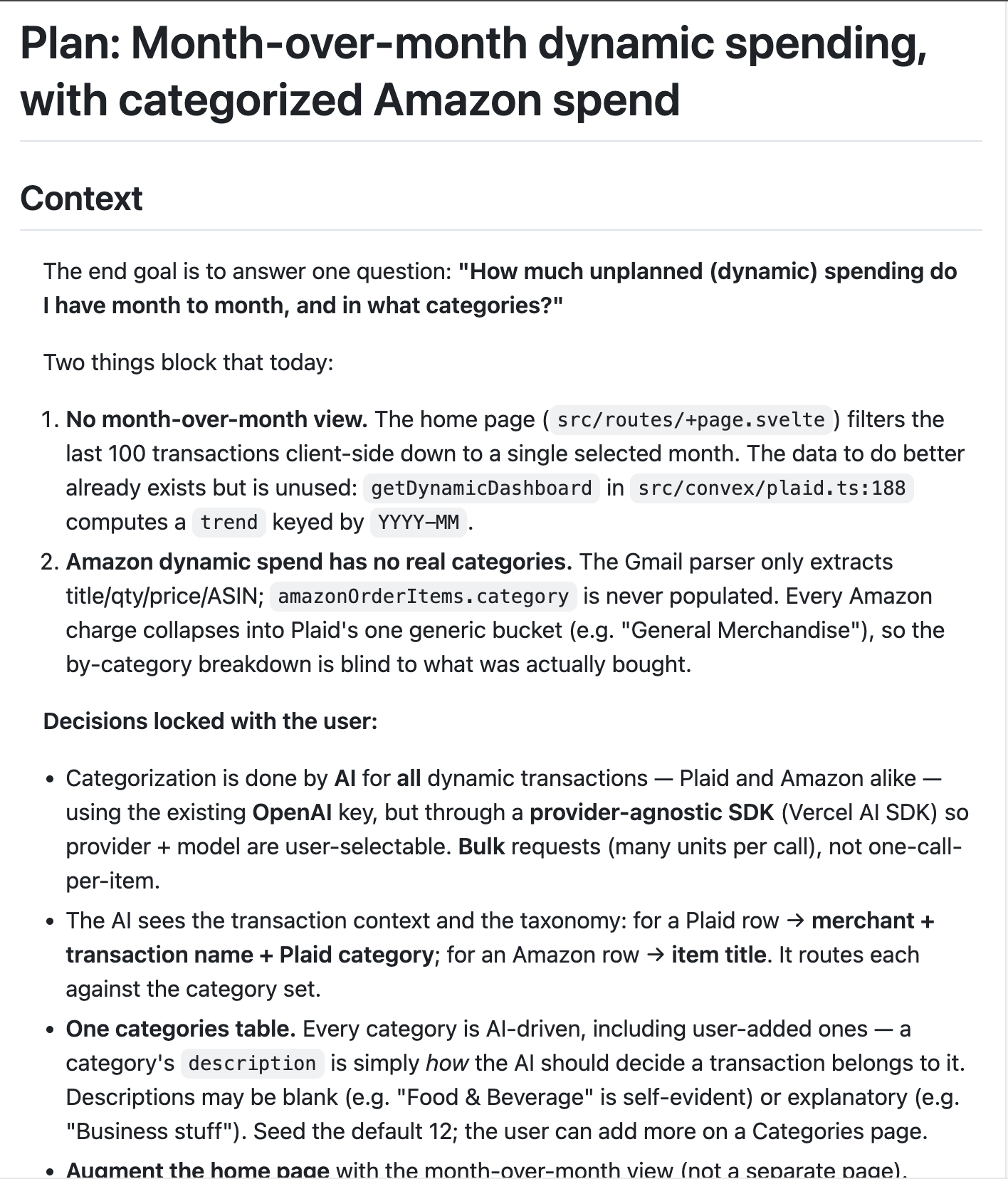
You can pop it into the first hit on google. Or the 2nd hit. I tried a bunch of them.
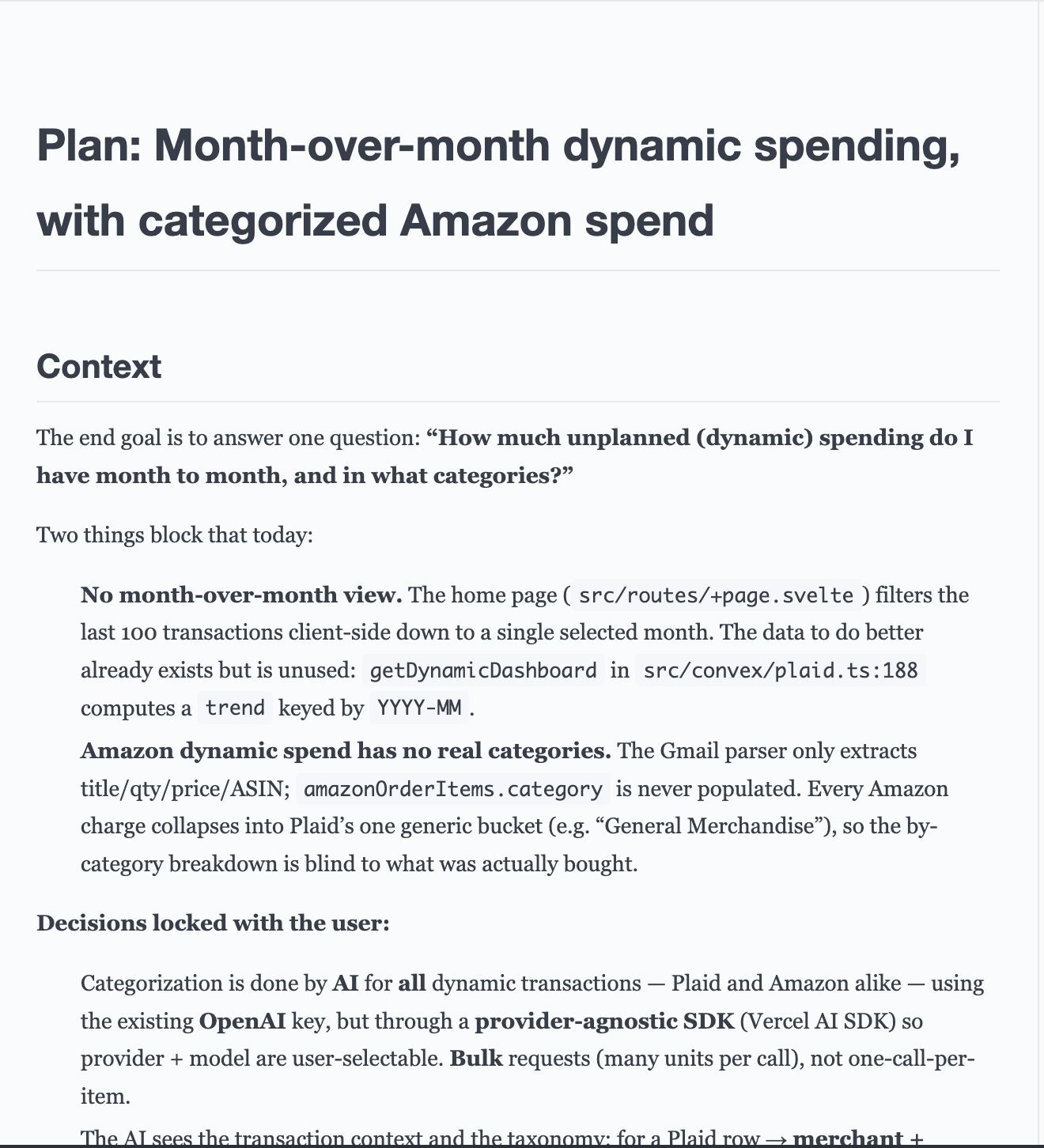
But again, these just don’t do it for me. Not only do they not look nice to read, but they also are missing some features I want. Like an outline for example. These are also webpages, and I kind of want a native viewer.
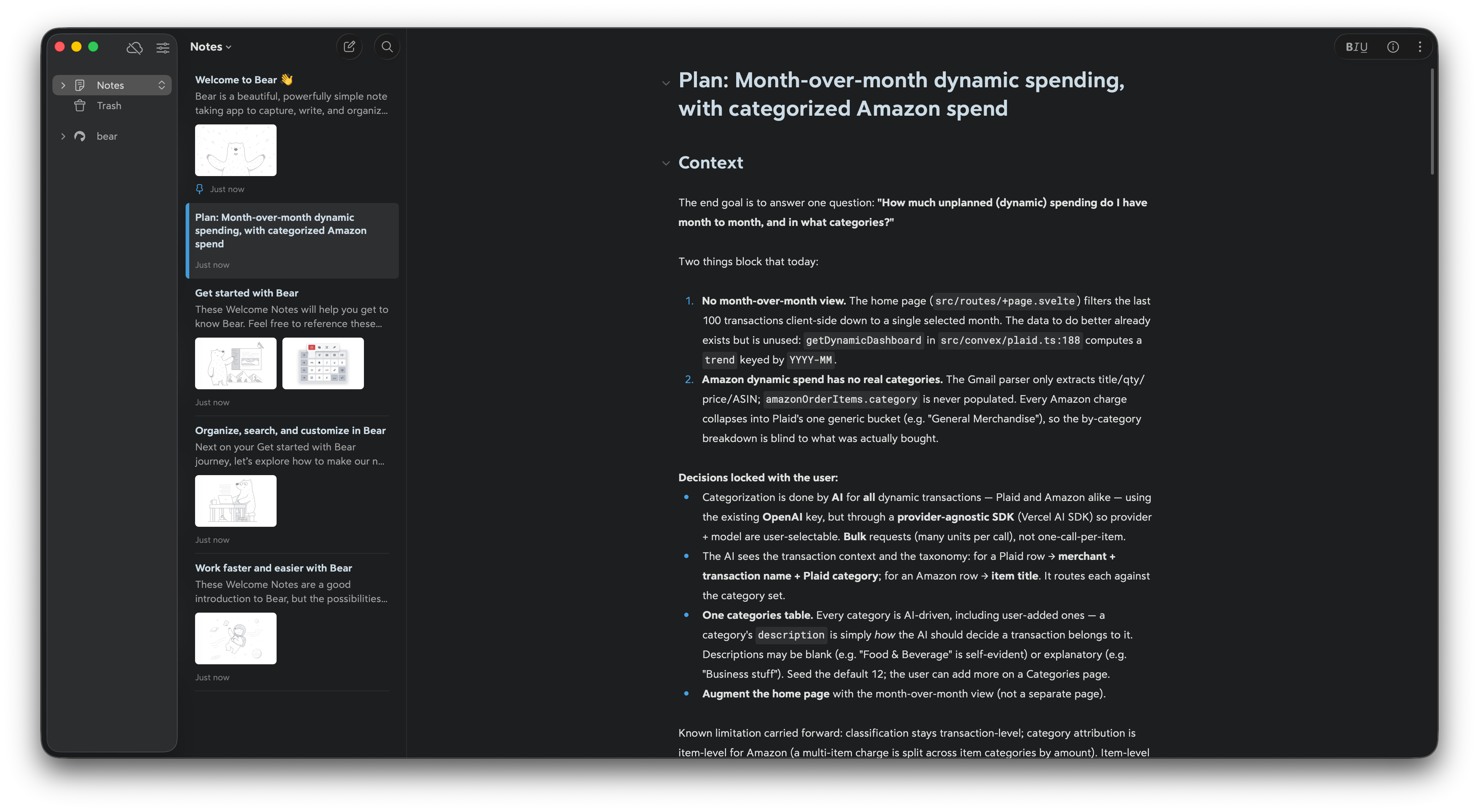
Ok So let’s download an app
There are a bunch of paid ones, and some free ones. Here’s one of the free ones. Ok, but not great. Also no lightmode toggle. For some reason I prefer to read these in light mode, and it only adheres to my system setting, so I can’t toggle it.
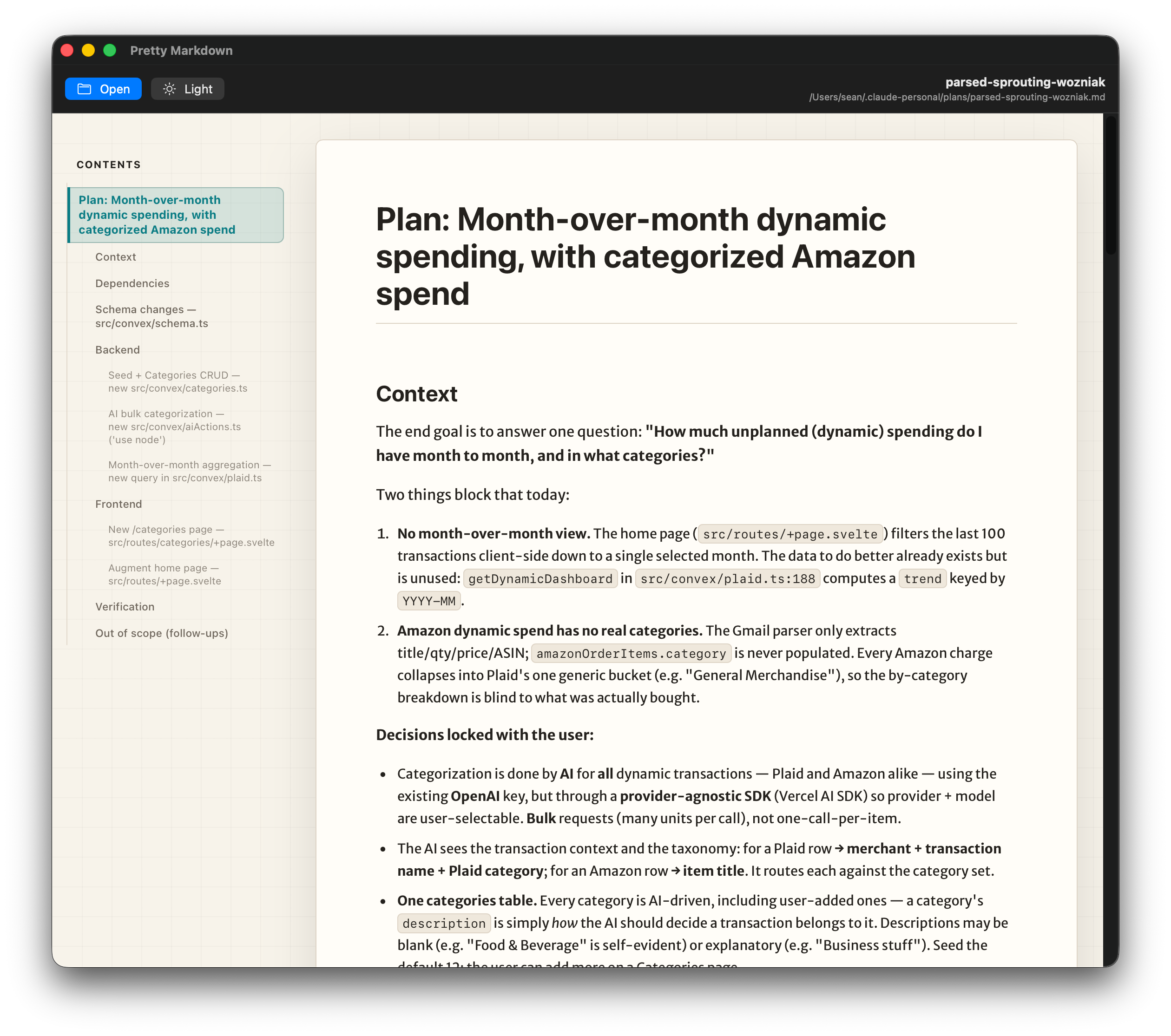
My version
Ok so obviously this post is about how I made my own. In the world today, you can build software quickly for just your own purpose. We call that bespoke software.
So let’s talk requirements
Requirements
- Must have light-mode toggle
- Must be Free and Open Source
- Must be a native macOS app
- Must watch the filesystem to live-update as the underlying document changes
- Must be beautiful and delightful to read
- Must have an automatic table of contents
- Must syntax highlight many languages of code
- Must render Front Matter
- Must render the full suite of Markdown
I found in some of these markdown tools, they don’t support images, or tables or code. For example, that “editors choice” app from the app store Bear. It doesn’t support syntax highlighting or images at all.
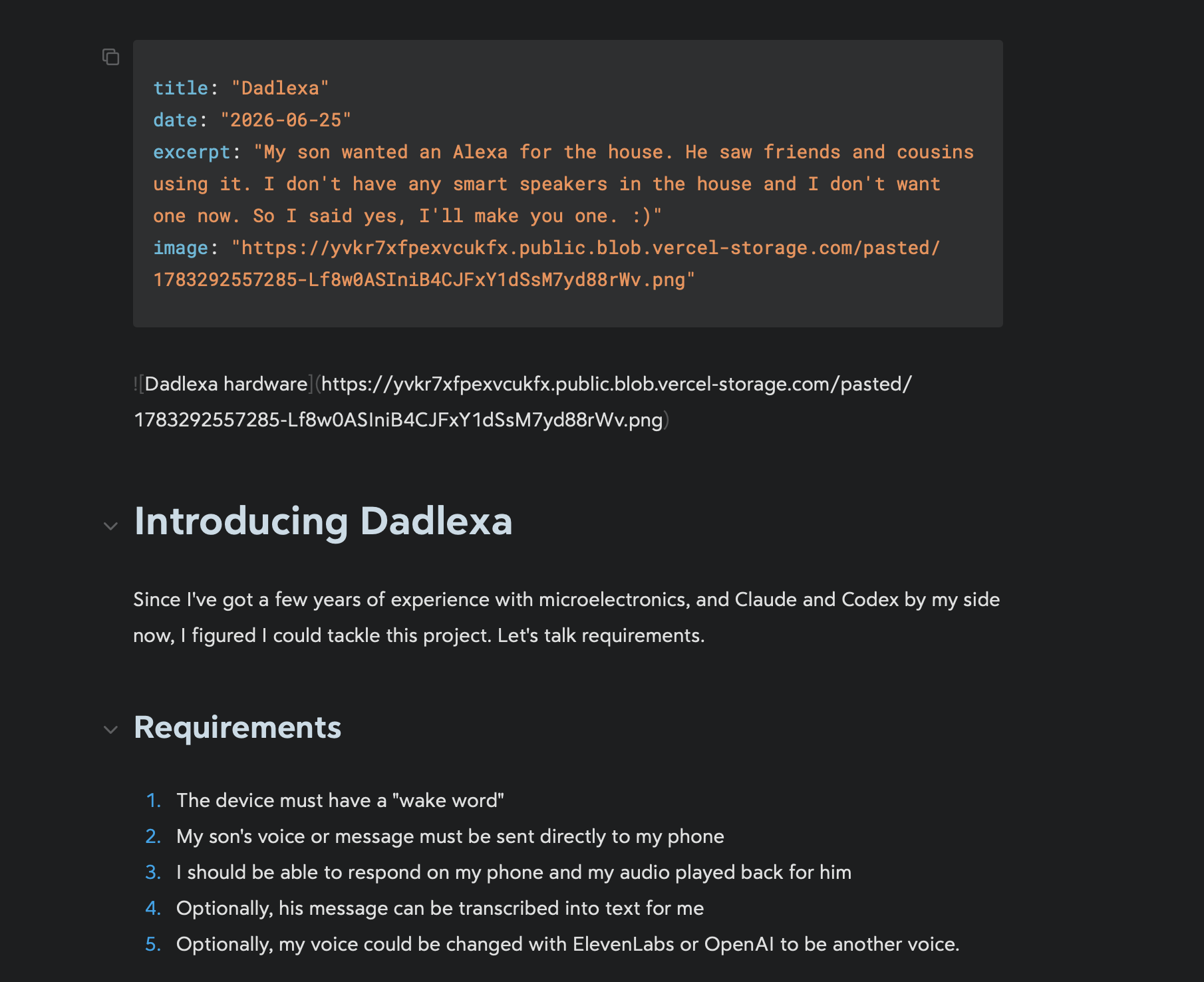
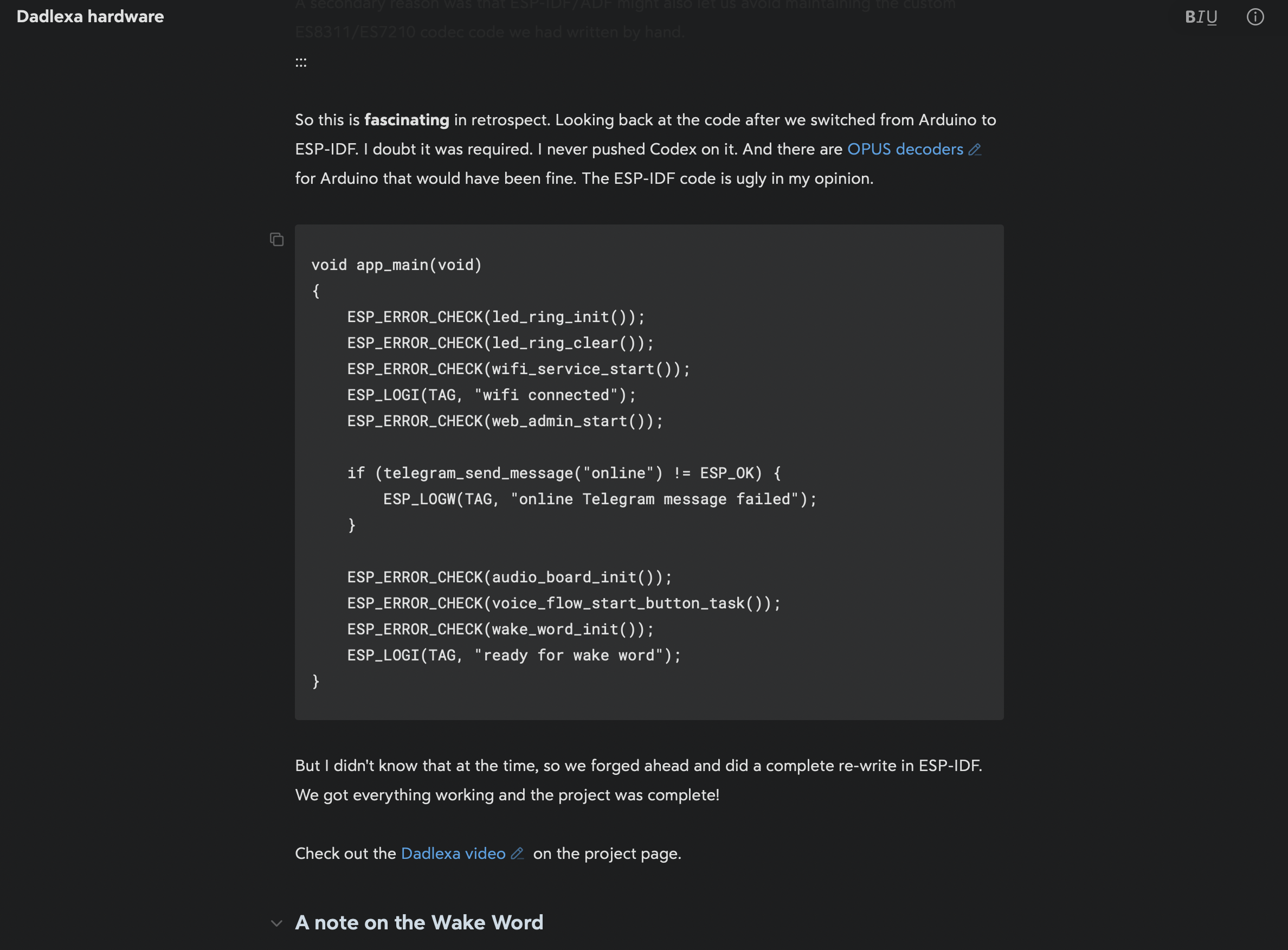
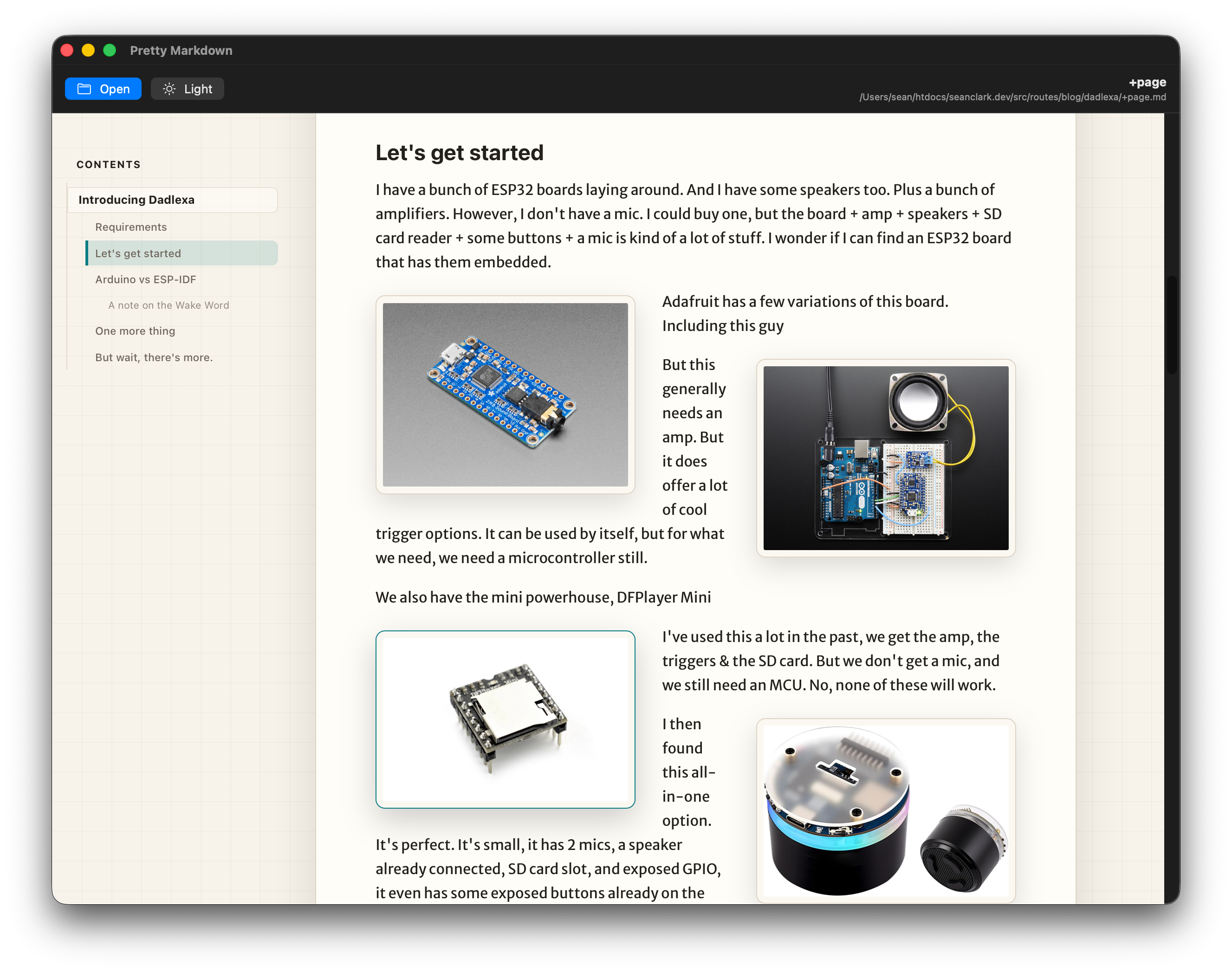
Table of Contents
It was really important to me to have a table of contents. A lot of markdown files have this header hierarchy and it would be really great to jump around easily. So on the sidebar, you get an automatic TOC. It’s been such a useful feature to have.
Design
I wanted the app to have an e-paper feeling. Tan and brown, light and fluffy. Lots of space. Markdown, when viewed as text is very sharp, with lots of edges. For rendered viewing, I wanted soft, and delightful. So we have a custom font, nice soft color and good spacing.
Open Source
Since this whole thing didn’t take too much to make, I decided it should be open source for anyone to extend, and for everyone to have for free.
You can get the latest app release on Github
You can view more details on the project page