Play a song
If the recording matches a phrase in the music manifest, Dadlexa streams the matching MP3 from its SD card and plays it locally.
My son wanted Alexa. I gave him Dadlexa instead.
Say “Hi ESP,” ask a question, and it goes straight to me. I answer with a Telegram voice message and the little speaker plays my response back for him. No synthesized dad required.
THE WHOLE HARDWARE STARTING POINT
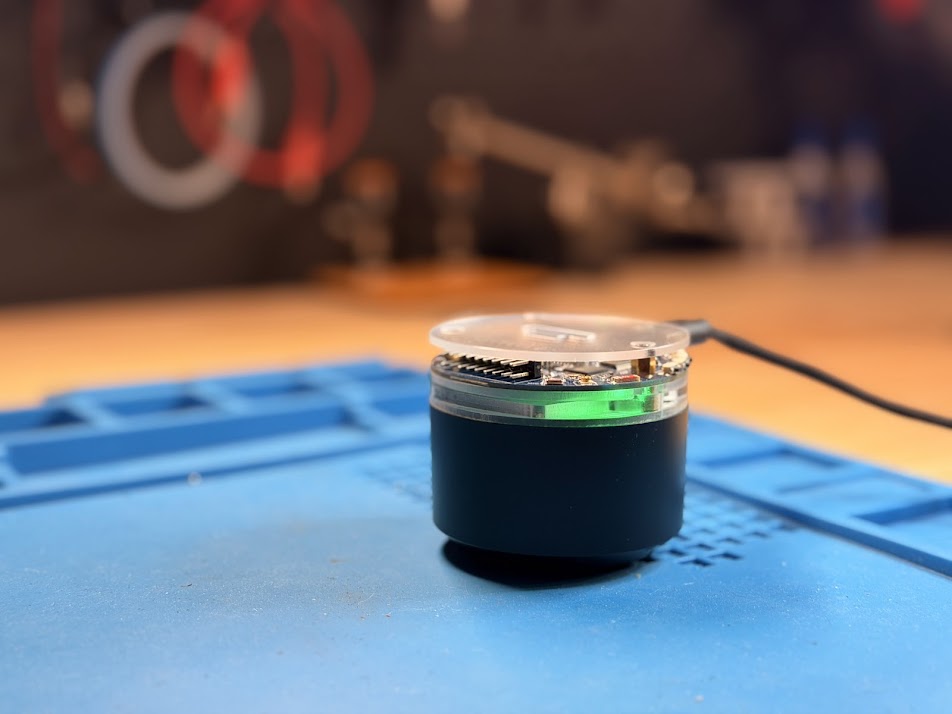
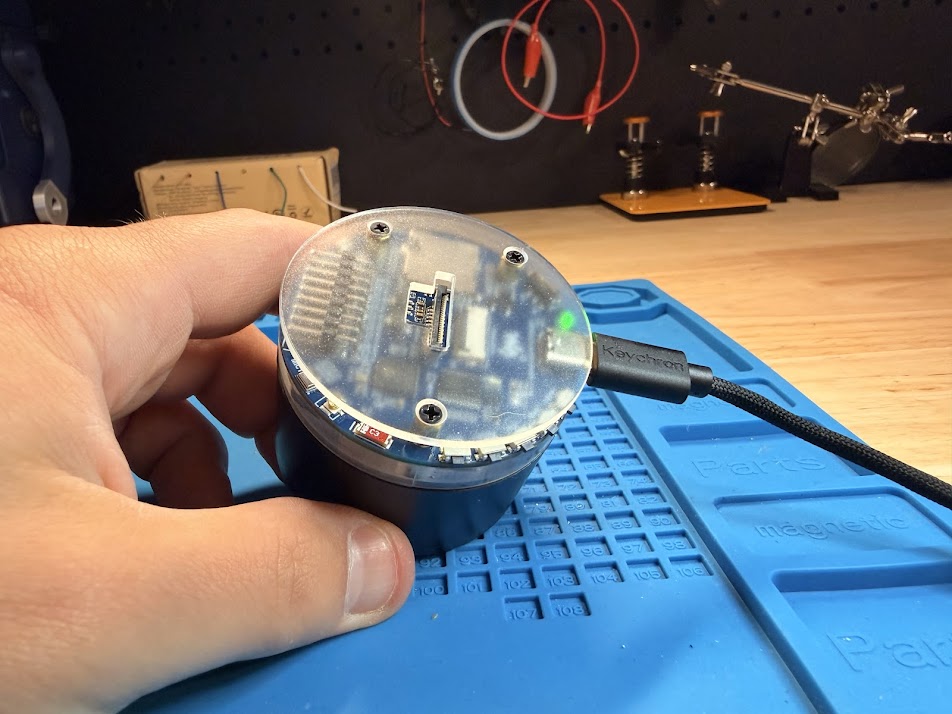
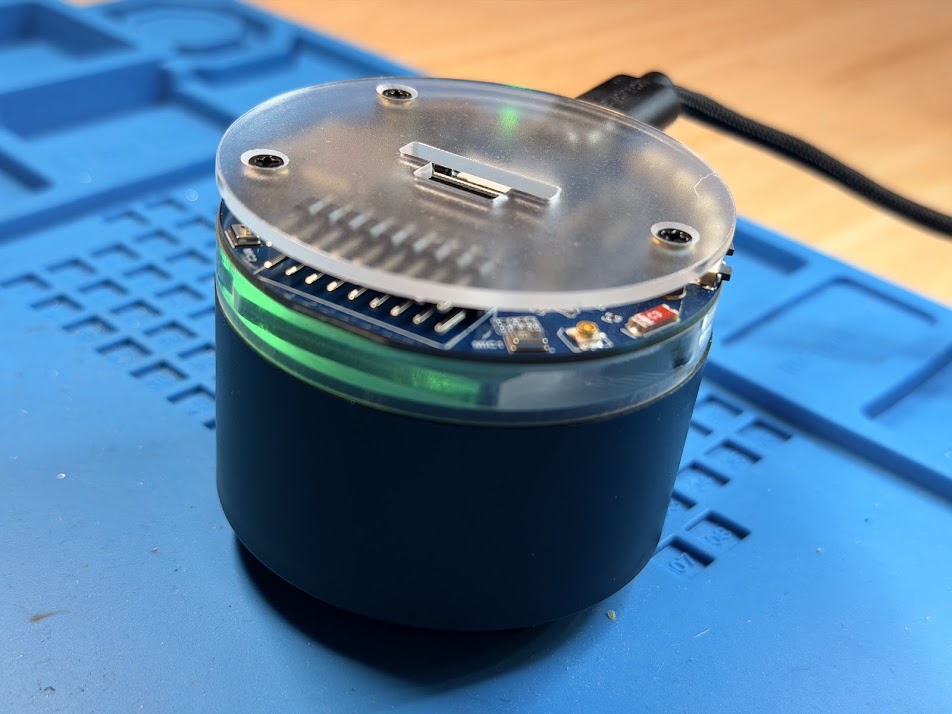
Dadlexa runs on a Waveshare ESP32-S3 AI Smart Speaker board. For about twenty-five bucks it already has the processor, dual microphones, audio codec, speaker, SD card slot, Wi-Fi, buttons, and a seven-pixel RGB ring. I just had to make it useful.
ONE WAKE WORD, TWO PATHS
If the recording matches a phrase in the music manifest, Dadlexa streams the matching MP3 from its SD card and plays it locally.
If it is not a song request, Dadlexa records the question, encodes it as Ogg/Opus, and sends it to me through a Telegram bot.
THE TELEGRAM LOOP
The ring gives him feedback while Dadlexa records, uploads, waits, and plays the reply. The clever technology is mostly there to make the interaction feel simple: ask the little cylinder a question and eventually Dad answers.
BUILT-IN CONTENT MANAGEMENT, BASIC ON PURPOSE
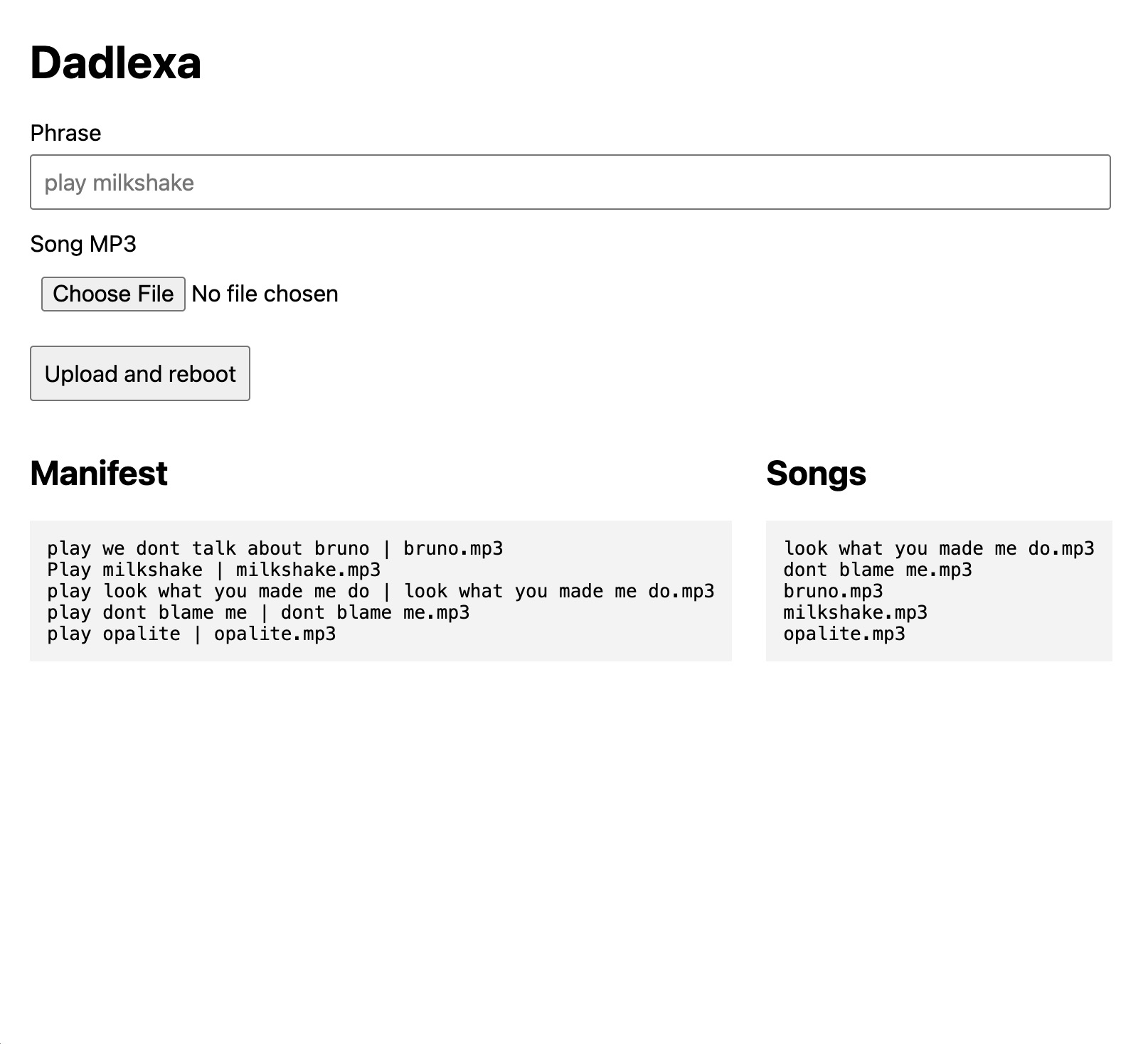
The ESP hosts a small admin page that lists every phrase-to-song mapping and every MP3 on the card. I enter a phrase, choose a file, and hit Upload and reboot.
The server writes the new file, appends it to the manifest, and restarts. It is not fancy. It means that when my son asks for a new song, I can add it without opening the device—which is much better than fancy.
UNDER THE LITTLE CYLINDER


OPEN SOURCE
But it works, it cost about $25, and now Telegram is quietly collecting voice recordings of my son asking me questions. That might end up being the best feature of all.