Arduino • Robotics • Education

Jacob's Robot Tank

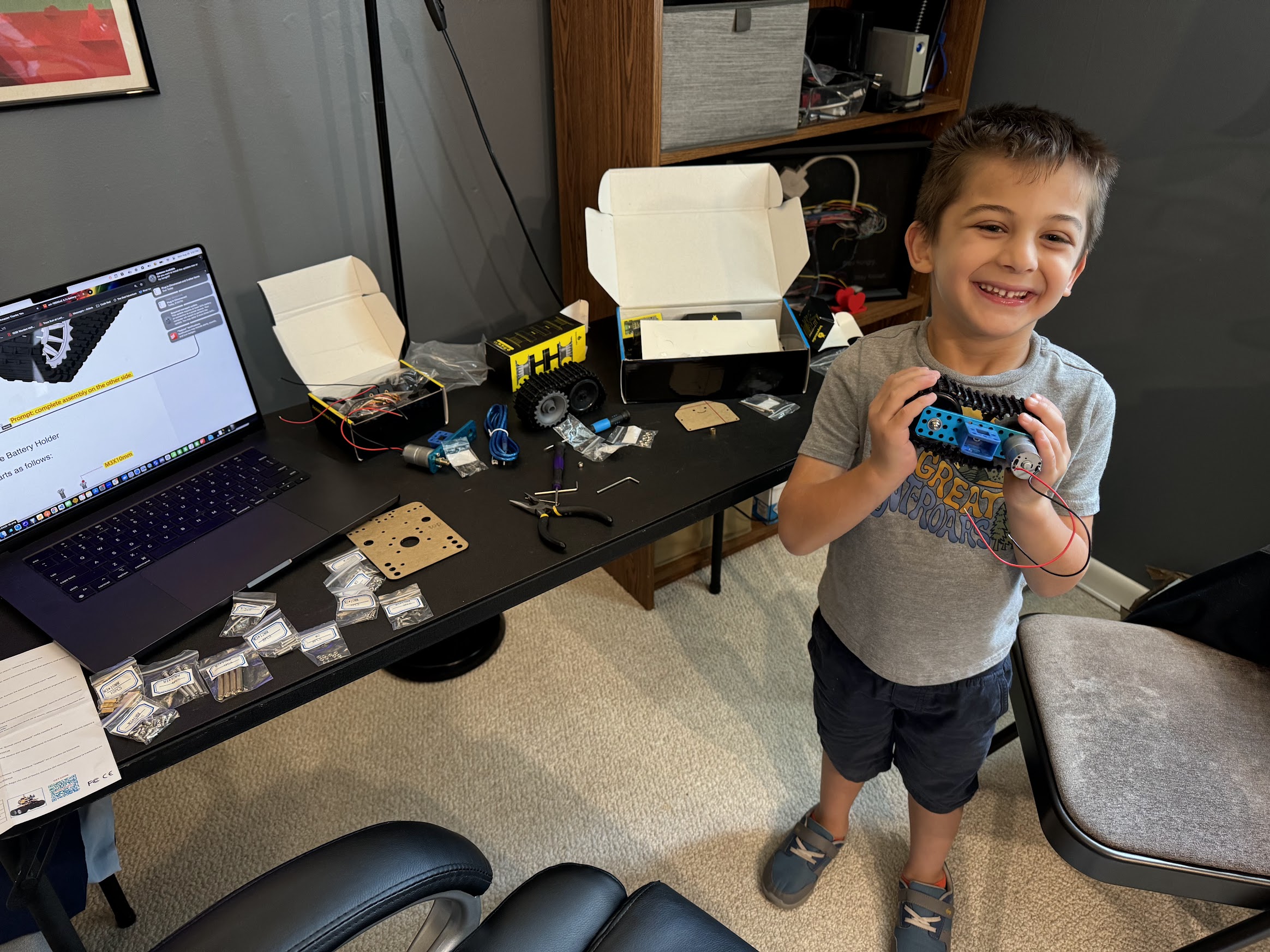
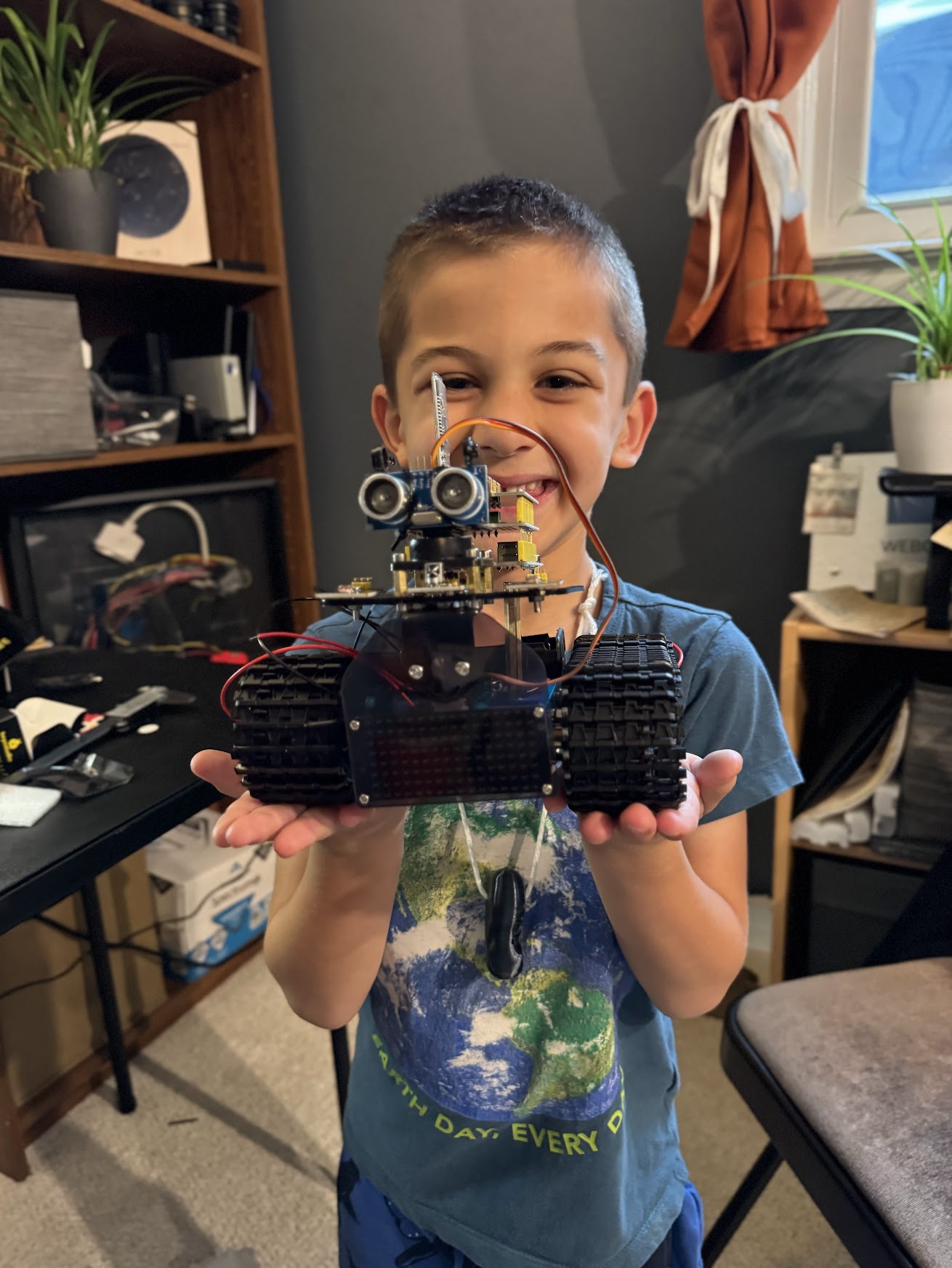
Jacob's first Arduino project - We started with a kit from Amazon. I tried to let him lead the way and see where it went from there.

Build Journey

The Story

1

How It All Started

This was Jacob's very first Arduino project. We found the Keyestudio Mini Tank Robot V2 kit on Amazon and decided it would be a good introduction to electronics. I wanted something for him that would be more involved, and allow us to program it. Jacob was excited to build something that could actually move and respond to commands.
2

Building Together

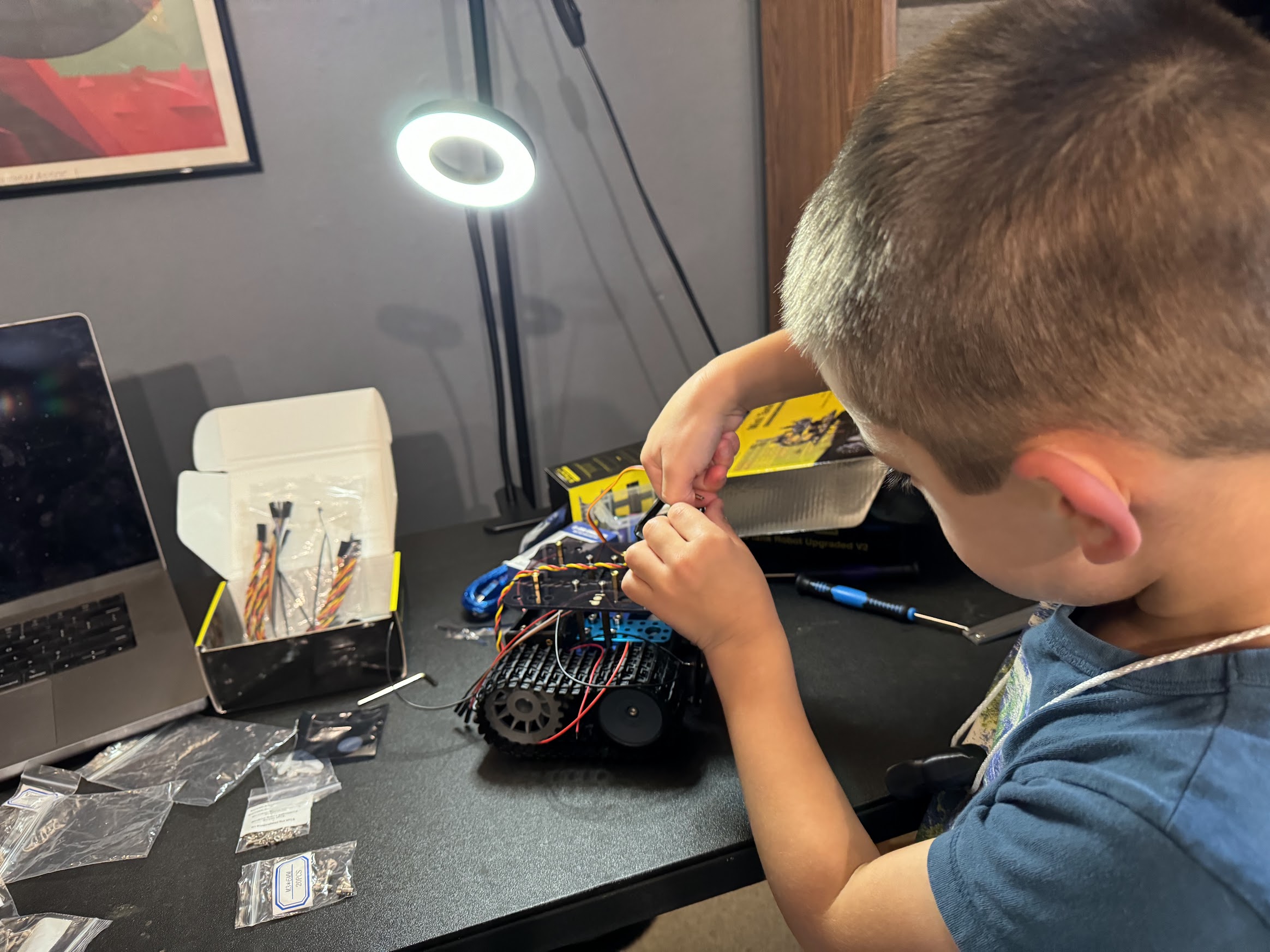
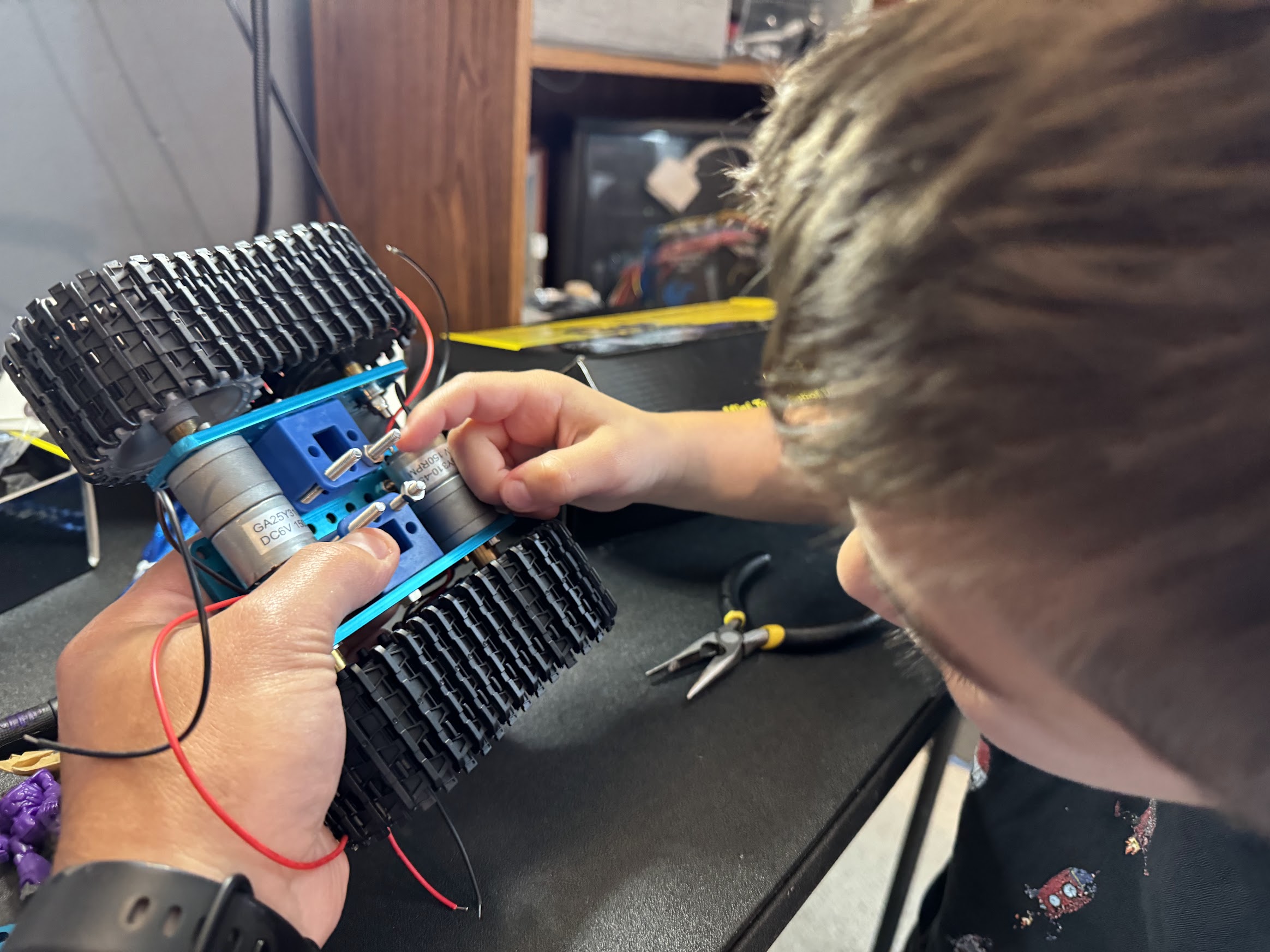
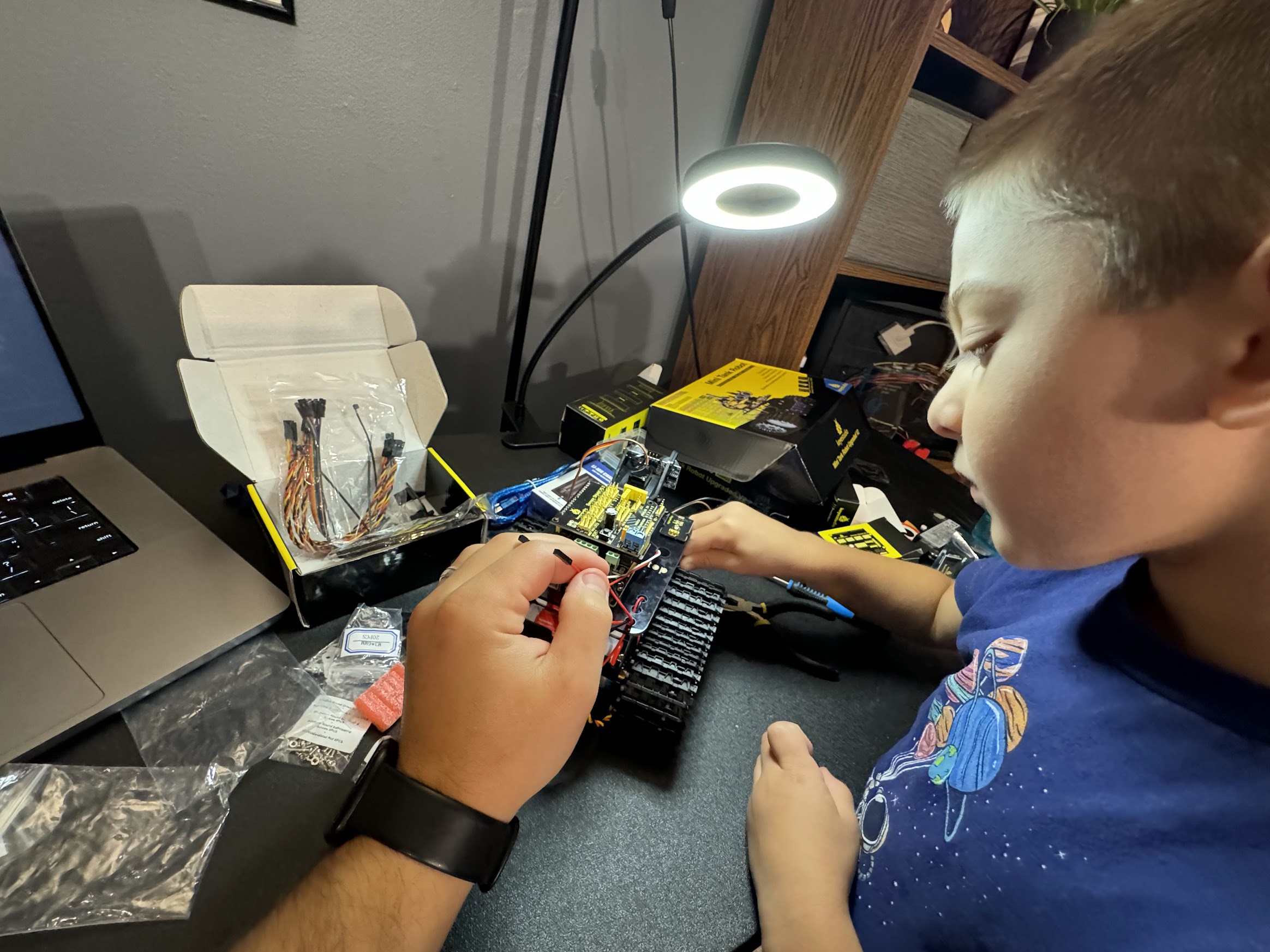
Jacob did all the work putting it together - I just guided him through the instructions. Watching him carefully screw in each component, connect the wires, and figure out how everything fit together was really fun. He was super focused and was always sad whenever we couldn't keep working on it. We only worked on it for 20 minutes each day. Attention spans and such.

3

Smoke Incident

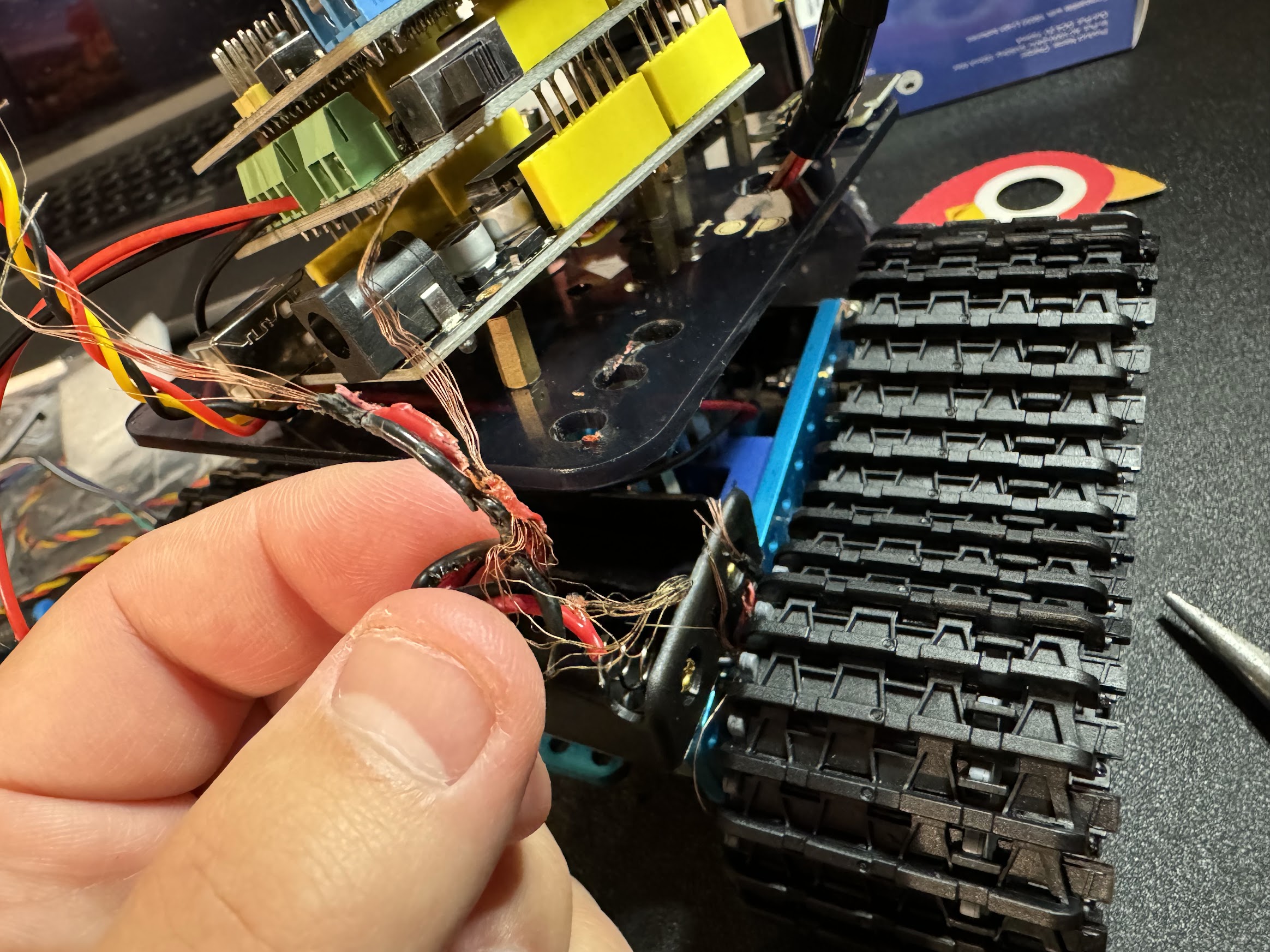
When we first turned it on, it started smoking! The battery wires were positioned too close together and shorted out. It was a scary moment, but also a good lesson about the importance of careful wire management and double-checking connections. Also on debugging a problem. We quickly disconnected the battery, assessed the damage, and fixed the wiring.

The burnt wires from the smoking incident
4

Success

After fixing the wiring issue, the tank turned on without smoke or excessive heat. Jacob didn't really stick around for the programming part, maybe he'd be interested in that later. I tried to show him but it was too boring. I also tried the "visual" code editor, it's like scratch, but it was terrible. I programmed just a few things, the light sensor, the front grill, the movement, and he loved it. We later added a speaker with his voice.

5

Career Day

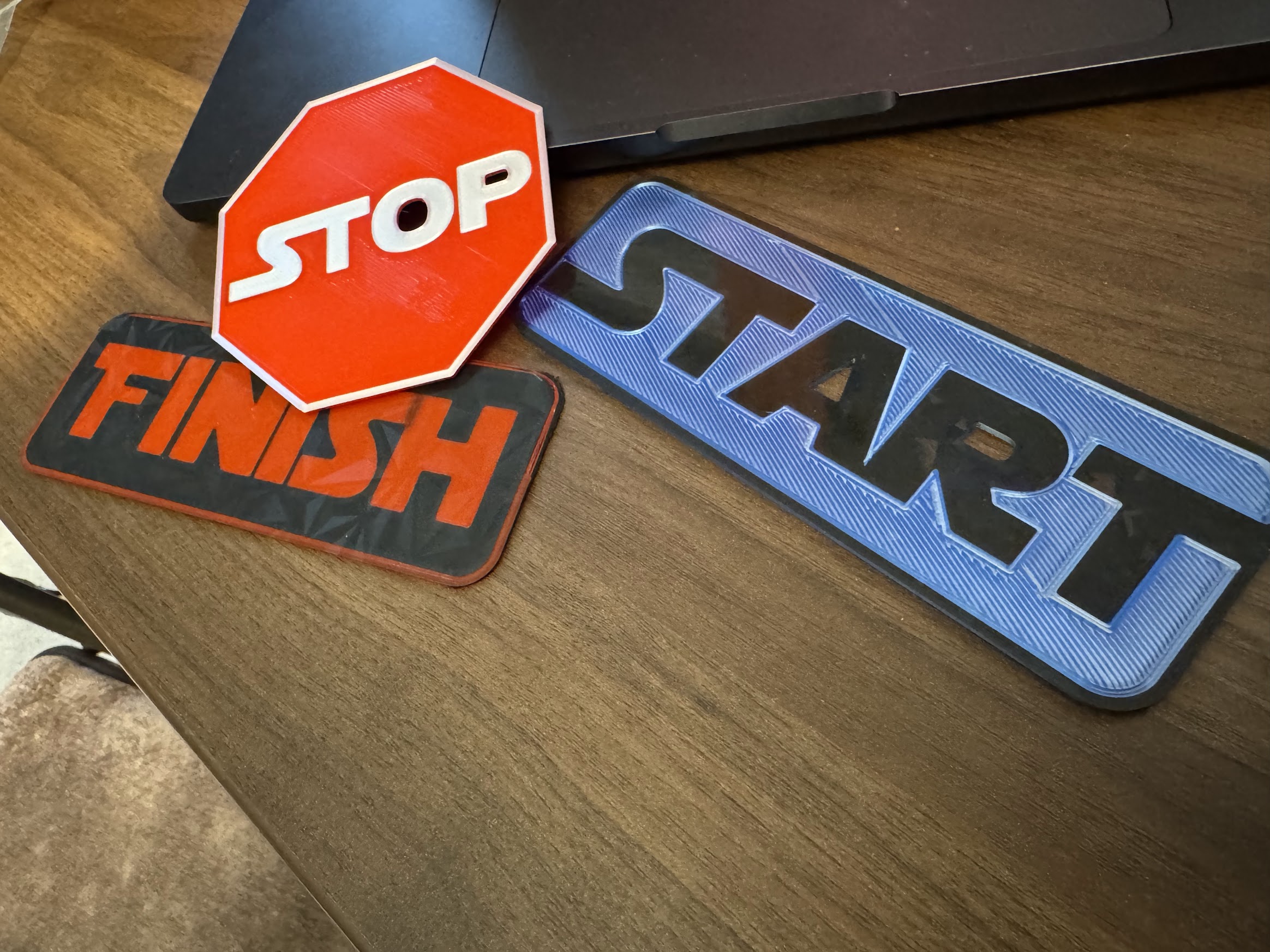
I took the robot tank to career day at school. We set up a course with 3D printed START and FINISH signs, with a STOP sign in between. Kids would program the tank to go forward, backward, left, and right to navigate from START to FINISH, stopping at the STOP sign. It was amazing to see other kids get excited about programming. They loved it when the robot made a silly noise from Jacob.

Career day setup with START and STOP signs
6

Speaker Upgrade

We added a DFPlayer Mini module and speaker so the robot could talk! Now it could announce what it was doing or play sounds as it moved around.

Technical Details

Kit

Keyestudio Mini Tank Robot V2

Controller

Arduino Uno R3

Features

Obstacle Avoidance, Line Following, IR Remote

Upgrades

DFPlayer Mini + Speaker