SVCX
DEPLOY
One command. Full-stack. Live on Vercel.
Scaffolds a SvelteKit + Convex app, creates a GitHub repo, wires up Vercel for push-to-main deploys, sets all environment variables, and ships a live URL — in (almost) one step.
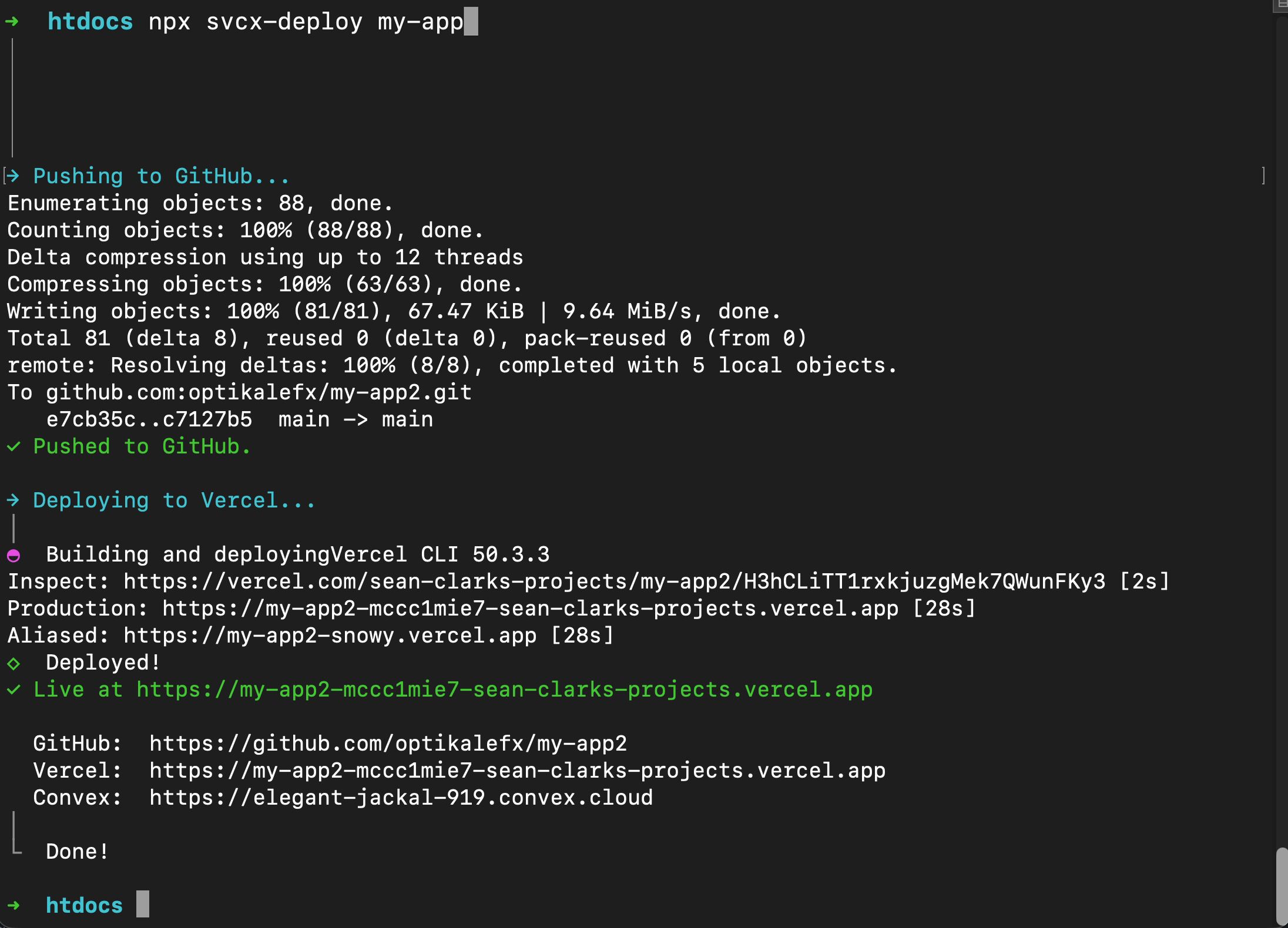
See It Run
What Gets Set Up
SvelteKit + Convex
Minimal SvelteKit template with TypeScript, Prettier, ESLint, and the Vercel adapter. Convex installed and initialized with a layout wired up automatically.
Auto-Deploy to Vercel
Links your project to Vercel and connects the GitHub repo. Every push to main triggers a live deploy — no dashboard required.
Env Vars Configured
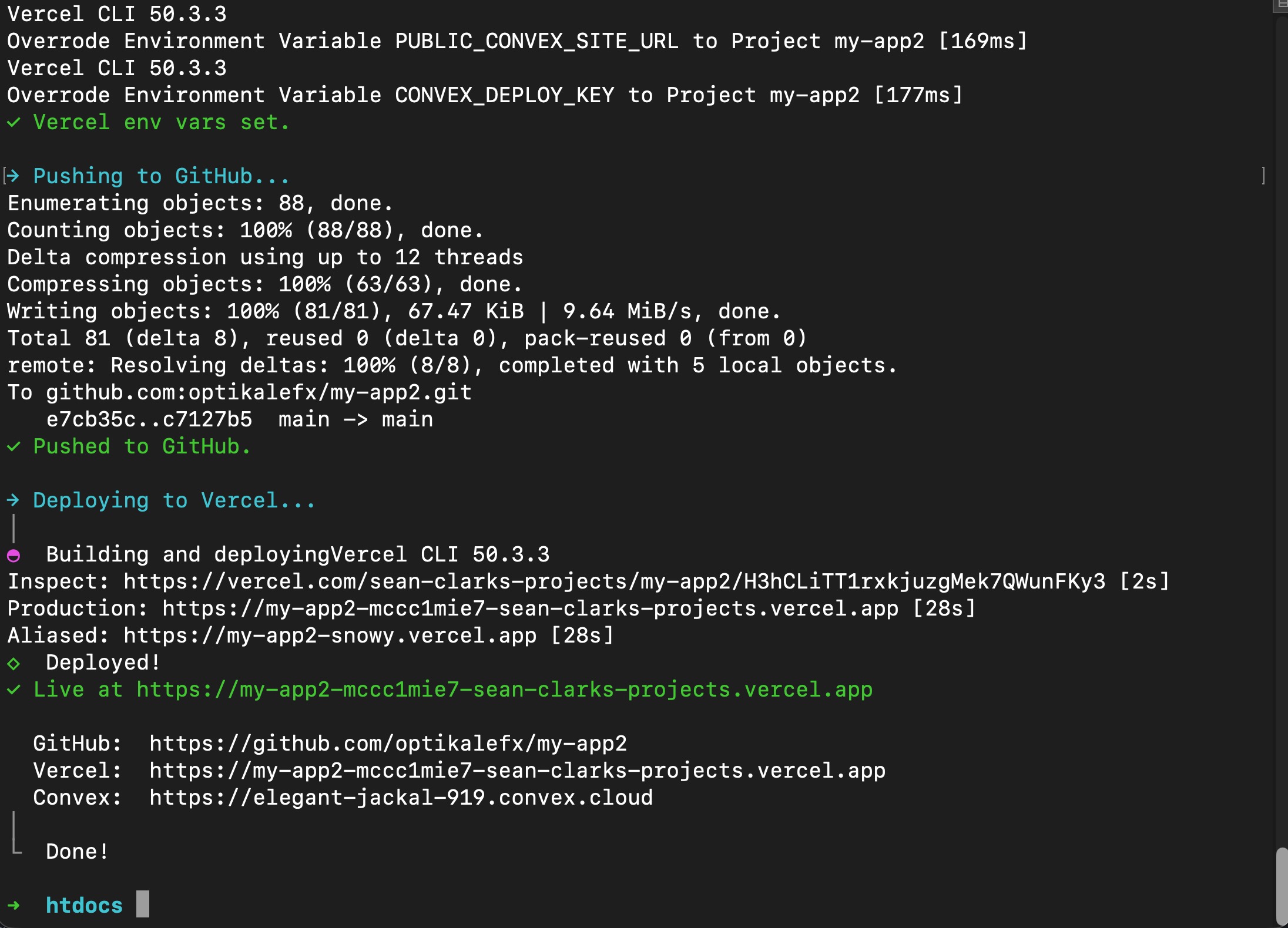
Sets PUBLIC_CONVEX_URL, PUBLIC_CONVEX_SITE_URL, and CONVEX_DEPLOY_KEY directly in Vercel. No manual copy-pasting from dashboards.
One Manual Step
The only thing you touch: pasting your Convex production deploy key when prompted. After that, everything runs on its own — and the key is cached so re-runs skip it.
What Happens Under the Hood
Create the SvelteKit App
Scaffolds a minimal template with TypeScript, Prettier, ESLint, Vercel adapter, and Claude MCP already configured.
Init Git & Create GitHub Repo
Initializes git, creates a private GitHub repo under your account via the GitHub CLI, and pushes the initial commit.
Install & Configure Convex
Installs convex and convex-svelte, writes convex.json, and runs npx convex dev so you can authenticate and
spin up your Convex project.
Wire Up the Layout
Writes src/routes/+layout.svelte with Convex initialized and the provider wrapping
your app — nothing to configure manually.
Link to Vercel + Connect GitHub
Links the project to your Vercel account, connects the GitHub repo for push-to-main deploys, and sets all required environment variables automatically.
Deploy Convex to Production
Deploys your Convex backend to production. This is the one step requiring your Convex deploy key — paste it once and it's cached for future runs.
Push & Ship
Pushes to GitHub, which triggers a live Vercel deployment. By the time it's done, your app is online at a real URL.
In Practice
Stop setting up, start building.
I use this stack on every new side project. This tool removes the hour of setup so you can deploy a bare-bones app on day one — the right way to start.
View on GitHub